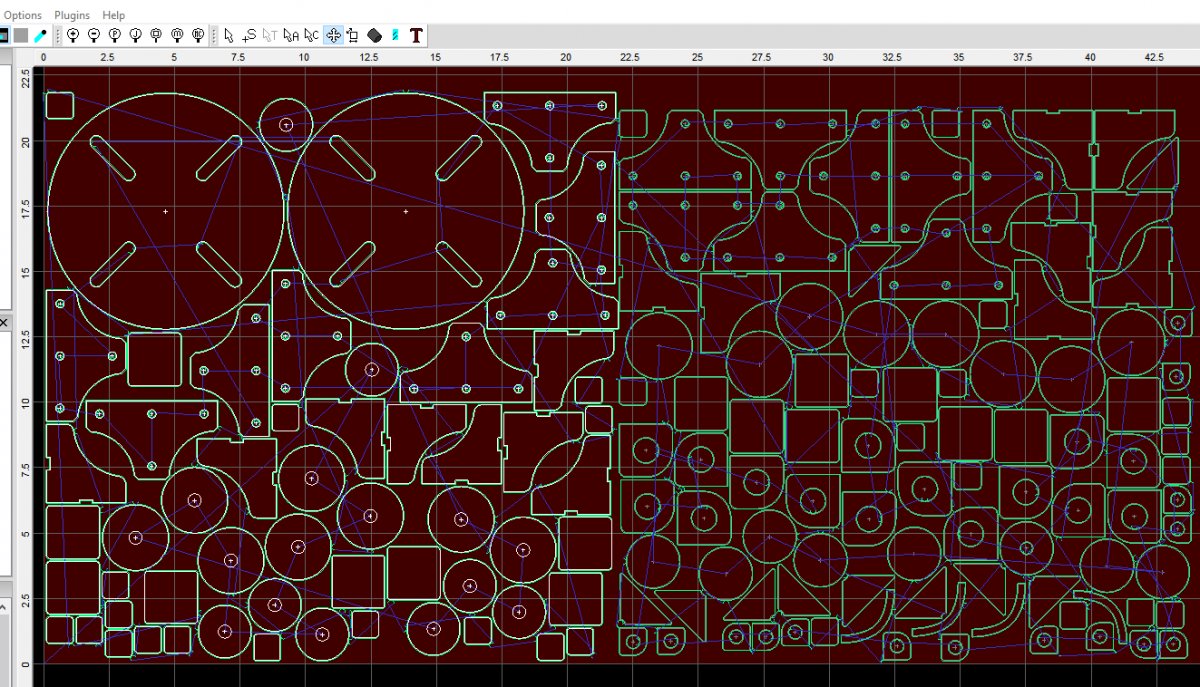
Description
SheetCam TNG for Linux
To install it, download the file then right-click on it an select 'properties'. Go to the permissions tab and make sure 'execute' is turned on. You can now simply double click on the file to install SheetCam.
If that does not work you can simply unzip the file. The data folder in the zip is a tarball containing everything you need to run SheetCam. Execute run-sheetcam to run SheetCam.
SheetCAM v7.0 Milling, Routing and Plasma CAM software for Windows and Linux.
Windows:
Download SheetCam TNG Development V7.1.35
Linux:
Download SheetCam setup V7.1.35 64 bit version
Customer Reviews
No reviews yet
Be the first to review this product!
You may also like

×
![Full size image]()